 Simon PicklesNo. 550 · Engineering Manager and Founder of Analogue Desk Co.

 Apple
Apple Designers
 Founders
 IKEA
IKEA Minimal
 Plants
 Standing Desks
 Sheds & Garages
 How five designers actually use Figma
Rachel How is a self-taught designer and YouTuber.
She is currently the Video Lead at Mobbin, where she has helped grow their YouTube presence from 200 subscribers to over 30,000 in just six months.
When she isn’t growing Mobbin, she is busy making videos about product design, building apps, and building websites for an audience of over 270,000 subscribers on her personal YouTube channel.
She started making these videos during the pandemic in 2021 and went full-time on them a year later.
She also brings her community together by hosting demo nights around Southeast Asia through her project Side Quest.
This is her third appearance in Workspaces. She was previously featured in edition #75 in 2021 with a laptop-only setup and edition #322 in 2023.
This is her updated setup as of August 2026
Follow Rachel on Twitter (X), YouTube, Instagram and at rachelhow.com.
What has changed most about your work and setup since you were last featured in 2023?
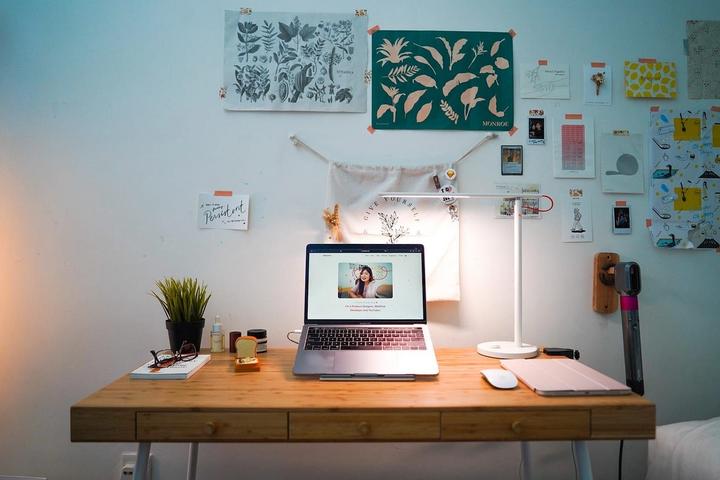
Apart from my main desk, I added a plain IKEA desk on wheels so I can roll it between my living room and my home office, depending on where I'm filming. I've simplified everything down to lightweight, portable gear, so setting up a scene is much quicker and easier.

What is one item under $100 that everyone should have in their workspace?
A simple, blank notebook and a pen. Nothing beats it for thinking loosely and connecting ideas without being distracted by software.

Between your full-time role and your own side projects, how do you manage both without burning out?
I'm not going to pretend I've solved this. From design, vibe coding apps, making videos, to researching ideas, I enjoy all of them.
So when I hop between different kinds of work, I go by energy levels and whatever is keeping me excited that week. I don't try to move everything a little each day. I'll give a week mostly to scripting, then the next mostly to filming and editing. The weeks I try to do all of it at once are the weeks I get nothing done and feel terrible about it.

You helped grow Mobbin's YouTube channel from 200 subscribers to over 30,000. How did you think about growth at the beginning? Has that changed over time?
Mobbin’s YouTube channel grew from 200 to 30,000 in 6 months. That looks like a lucky break, but I’ve been making YouTube videos since 2019 and I’ve made plenty of mistakes along the way.
I used to make the video first and leave the title and thumbnail until the very last step, right before uploading. Often it flopped because the packaging wasn’t attractive enough.
Now I start by asking "would a stranger click this over anything else on their YouTube homepage?" Title and thumbnail come first. Ideally the video idea is something unique to the channel, something people can’t find elsewhere.

What apps are open on your screen?
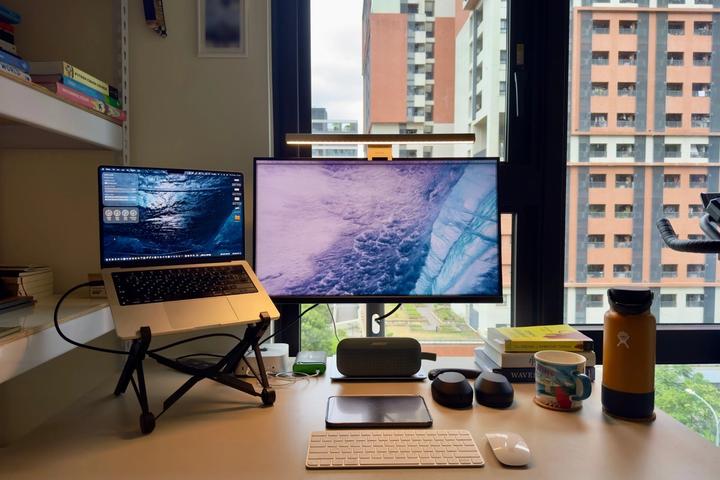
Things 3, Figma, Aside Browser, DaVinci Resolve, Notion, Claude, Cursor, Notion Calendar, Apple Notes.

What does your process for making a video look like from start to finish?
Every YouTube video starts with mocking up the title and thumbnail in Figma. I place my thumbnail candidates alongside other videos' thumbnails on the canvas, so I can gauge whether mine stands out and whether the title and thumbnail work together at a glance.
From there, it's research, script, shoot, edit. I spend most of my time on research and editing. Then, the process ends where it began: another round of designing title and thumbnail variations. I'll explore several side by side on one page, upload the strongest ones to YouTube, and run A/B tests to see which performs better.

What's something you can pull off in minutes today that would've taken you a whole afternoon a couple years ago?
Definitely vibe coding with Claude or Cursor. Building apps is so fast now that I can stop worrying about technical limitations and just build the ideas in my head! I love this era we live in.
Whenever I'm building an app with AI tools, I still design it in Figma first. There's a lot of talk about skipping straight to prompting, but I genuinely believe the canvas is not dead.
I always encourage people to design on a canvas before they build anything, whether that's Figma or literally a piece of paper. The thinking happens on the canvas.

What's an unexpected way you use your design tools?
I storyboard parts of my videos in Figma, frame by frame. Sometimes as slides, sometimes as full illustrated sequences. A little hack I use: Instead of animating each frame in an editing tool, I wire them up in Figma's prototype mode, hit record, and plug that screen recording straight into DaVinci Resolve as finished footage. It saves a lot of time and lets me stay in the tools I'm most familiar with.

Where can readers download the wallpaper on your desktop?
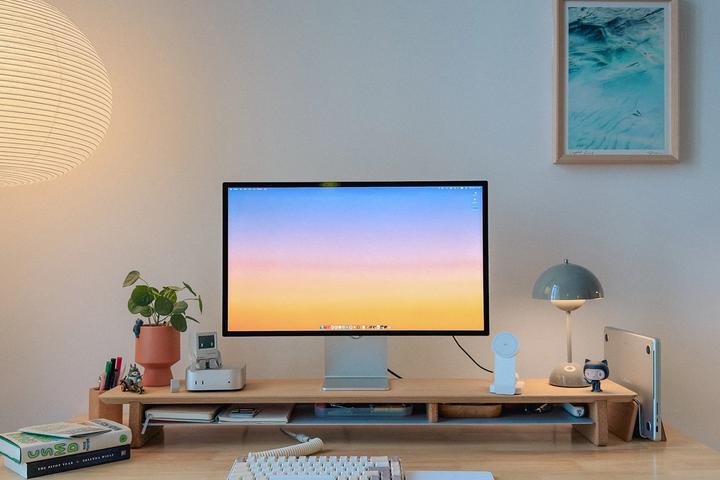
It is the Dusty preset found here. You can also easily remix it to make one of your own.