
 Jonathan ReedNo. 551 · Graphic Designer and App Developer


 Apple
Apple Designers
 Founders
 IKEA
IKEA Minimal
 Plants
 Standing Desks
 Sheds & Garages
 How five designers actually use Figma
How five designers actually use Figma
Across five weeks we toured five workspaces. The rooms had nothing in common. What the people in them said about the canvas did, and the pattern is not the one we expected going in.
By · · Updated
Presented by 
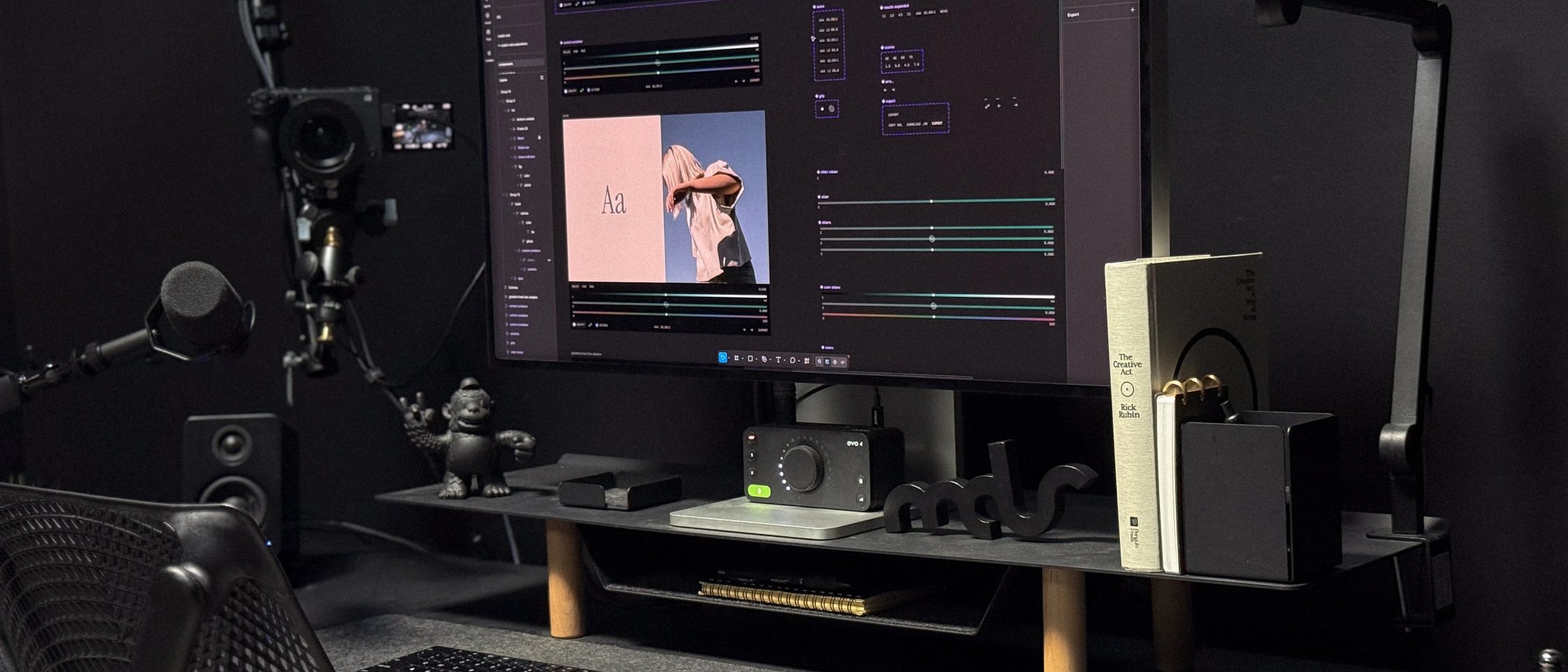
Figma shows up in more of our workspace tours than any other piece of software. 62% of interviews that list their software stack actually mention Figma as a key tool.
Why?
This five interview series answers that very differently depending on the designer and what they are responsible for shipping.
None of the five designers below is new to Workspaces.
Matt D. Smith first appeared in edition #42 back in 2021.
Rachel How first appeared in edition #75 in 2021 and again in edition #322 in 2023.
Grace Walker was previously featured in edition #117 in early-2022.
Gavin Nelson was first featured in edition #136 in 2022 and again in edition #341 in 2023.
Finally, Yann-Edern Gillet was originally featured in edition #261 in 2023 and again in edition #442 in 2024.
Between them they have been in Workspaces a total of thirteen times. These are not five desks we found; they are five desks we have watched change.
This guide originates from the individual interviews as part of our collaboration with Figma in August, 2026.
Meet the designers
 Grace Walker
No. 538 · Designer and Creative Director based in Calgary, Canada
Grace Walker
No. 538 · Designer and Creative Director based in Calgary, Canada
 Matt D. Smith
No. 539 · Designer and the Founder of Shift Nudge
Matt D. Smith
No. 539 · Designer and the Founder of Shift Nudge
 Gavin Nelson
No. 540 · Designer at OpenAI
Gavin Nelson
No. 540 · Designer at OpenAI
 Yann-Edern Gillet
No. 541 · Designer at Linear
Yann-Edern Gillet
No. 541 · Designer at Linear
 Rachel How
No. 542 · Designer and YouTuber. Video Lead at Mobbin.
Rachel How
No. 542 · Designer and YouTuber. Video Lead at Mobbin.
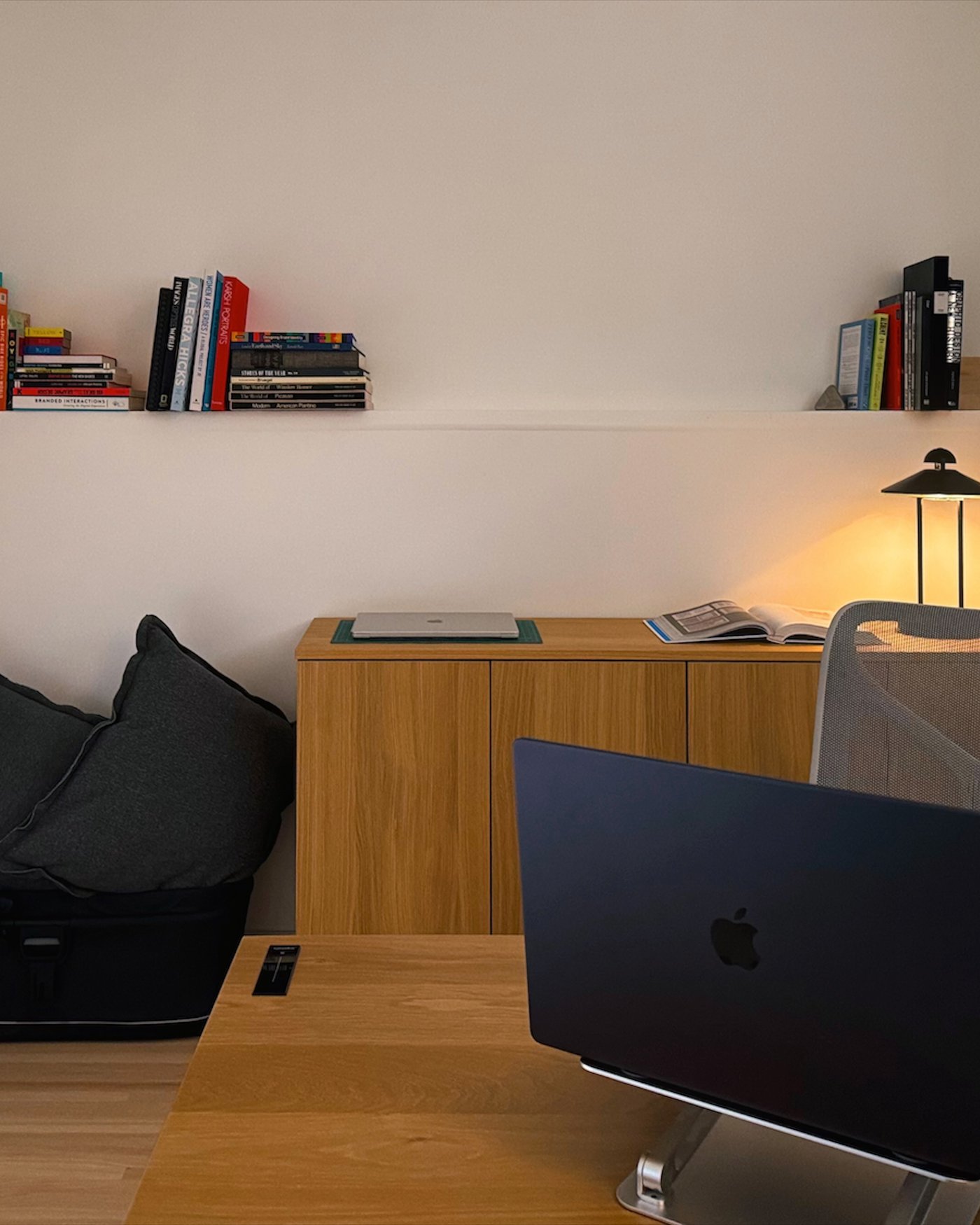
Grace Walker · No. 538 · Calgary, Canada · 9 items · 5 photos · 9 questions
She stopped designing the pattern and built the tool that makes it
Rather than draw one texture, Grace built the tool that generates them. It started as a design-sprint idea and became the thing that makes every static and moving halftone her team uses.
“Our team ran a design sprint recently and I had an idea for a custom halftone pattern that uses Spellbook’s logo gem instead of a circle or standard shape. A few prompts later I had working prototypes in Figma to share with the team. The tools I built in Figma evolved into a full visual composer that I now use everyday to create static and moving halftone textures.”
On building shaders
“Prototyping tools like Figma Make are great for this - I can send a super high level voice note of what I’m working on and get something that helps start me down a path.”
On the blank canvas
The through-line is momentum, not craft: “If I start moving, I’ll get where I need to go.”
Explore Grace Walker’s full setup ›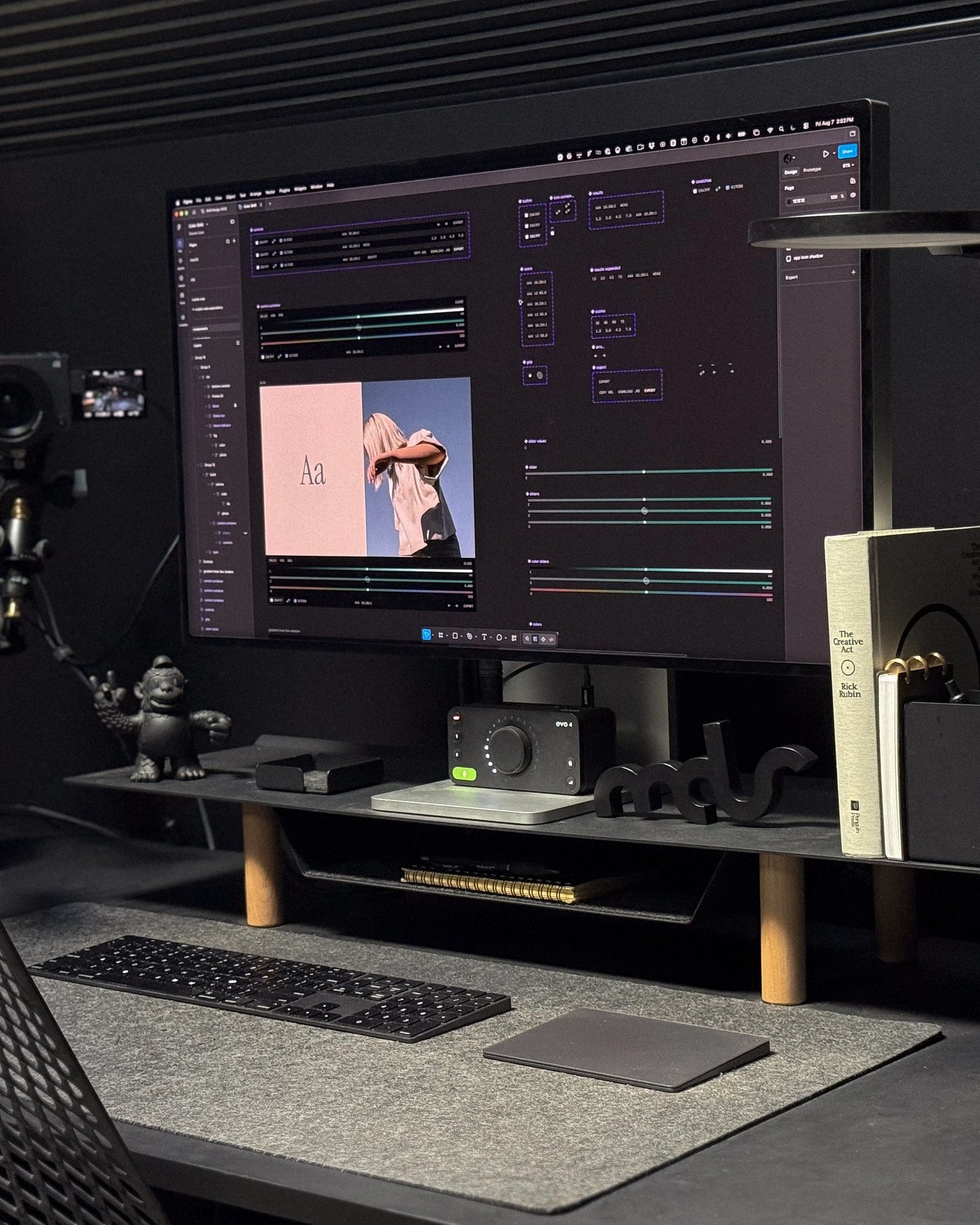
Matt D. Smith · No. 539 · Athens, GA · 22 items · 13 photos · 5 questions
He designs in the canvas and lets the machine do the building
Twenty years in, Matt has drawn a clear line. Design happens in the Figma canvas, building happens with AI, and the Figma MCP server is what connects the two.
“I still design better than AI, so I do most of my design manually in the Figma canvas and have AI help me in the build process, or to iterate through ideas and interactions.”
On design and AI
“I use Claude Code and the Figma MCP server to go back and forth between the browser, my builds, and my designs.”
On his loop
He calls Figma motion a massive step forward that puts animation within reach of far more designers, while being clear the craft still has to be learned.
Explore Matt D. Smith’s full setup ›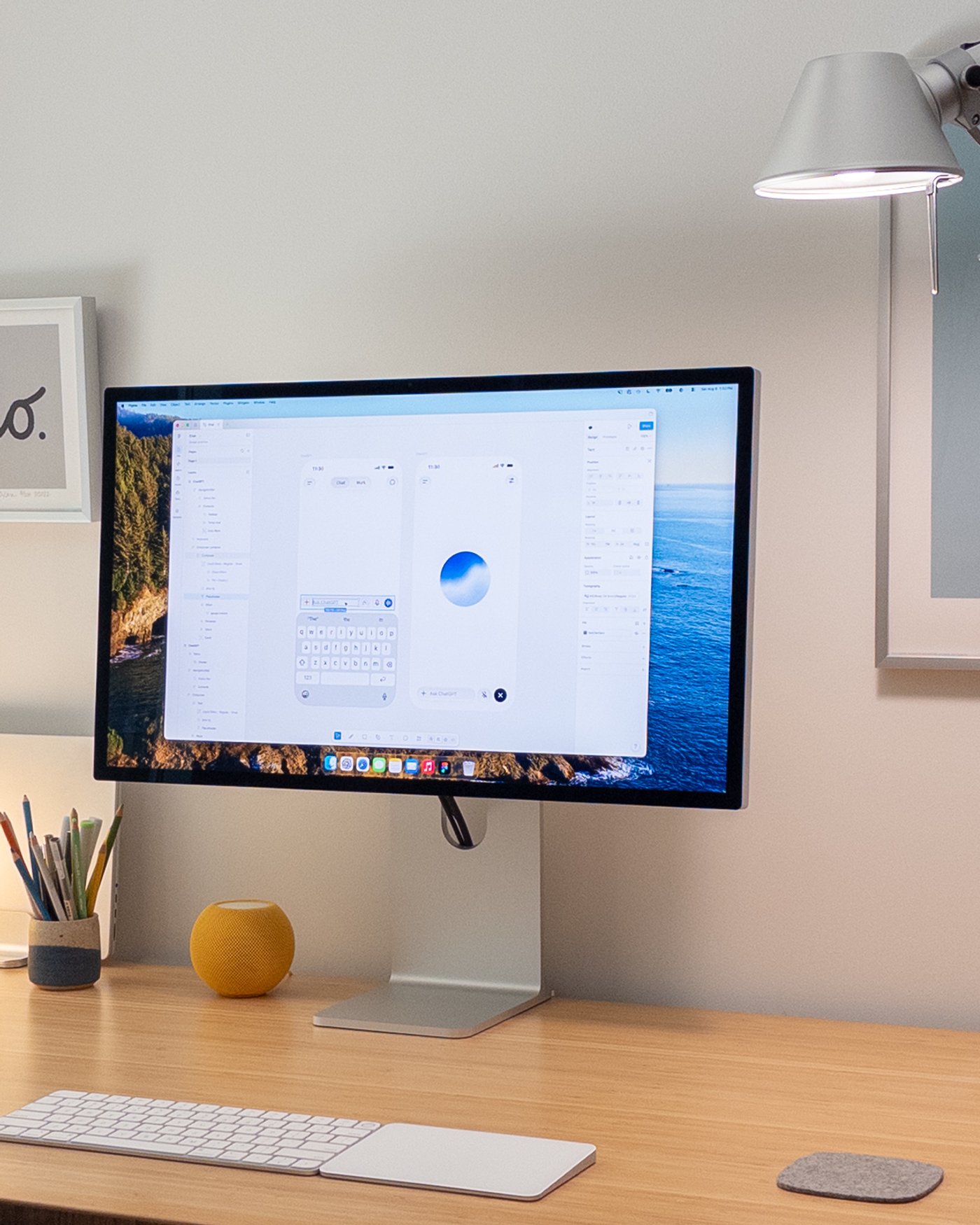
Gavin Nelson · No. 540 · San Francisco Bay Area · 9 items · 3 photos · 5 questions
Figma is where the mess happens, on purpose
Gavin starts on paper and a whiteboard, then moves into Figma to make a mess of high-fidelity ideas fast. Figma Slides is how he explains the thinking to everyone else.
“Figma for quickly drawing out ideas in high fidelity. I create a mess of divergent ideas, quickly iterate through layout, hierarchy, and visual design, and use Figma Slides to help share and describe my thinking.”
On where he starts
“Sometimes the right design tool is Figma, sometimes it’s Blender, sometimes it’s code, and now, sometimes it’s a brand-new, single-purpose thing you quickly build just for that one job.”
On the term “design tool”
He moves in both directions: sketches into Figma, and prototypes back out of it, passing links between Figma and Codex to get base layouts right.
Explore Gavin Nelson’s full setup ›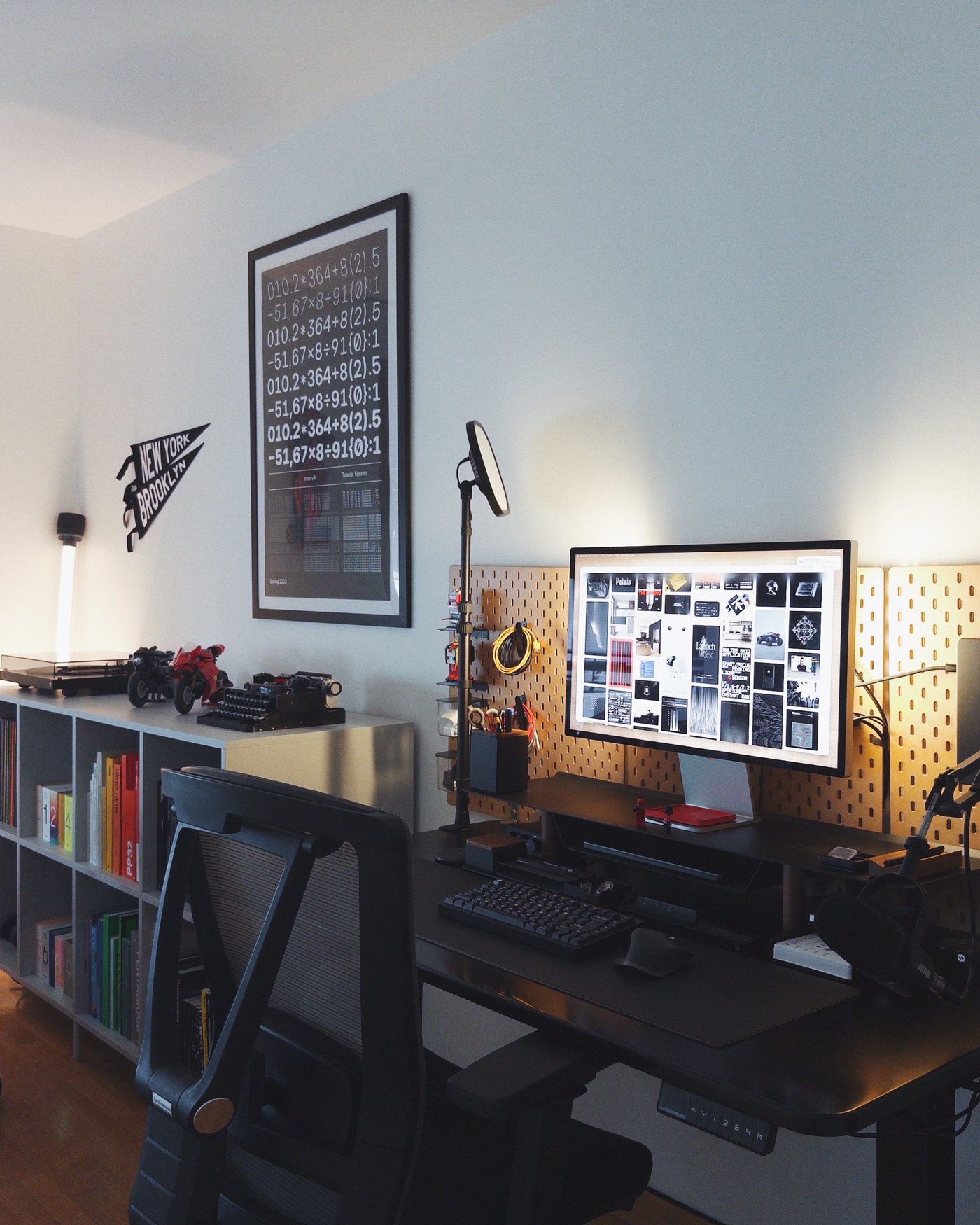
Yann-Edern Gillet · No. 541 · Paris, France · 9 items · 3 photos · 7 questions
He does not prompt designs, he prompts the tools that make them
Linear's theme starts with three variables that generate more than a hundred values. Yann built a Figma plugin that imports them as color variables, so the design file follows the system instead of someone retyping it.
“I don’t really prompt designs. I use agents to make small tools while I’m designing: something that lets me test a motion direction, generate a useful dataset, or turn a system change into something the whole team can use.”
On prompt-driven design
“More recently, I’ve been using Figma Agent to make plugins directly in the file. The latest one generates Linear-style graphs by spreading points over time along a path. I like that these tools stay with the file when it’s shared; the capability travels with the work.”
On building inside the file
He is the series sceptic on consolidation. He likes tools “close to the ground, built for a particular kind of driving,” and would rather make the handoffs between them seamless than collapse them into one.
Explore Yann-Edern Gillet’s full setup ›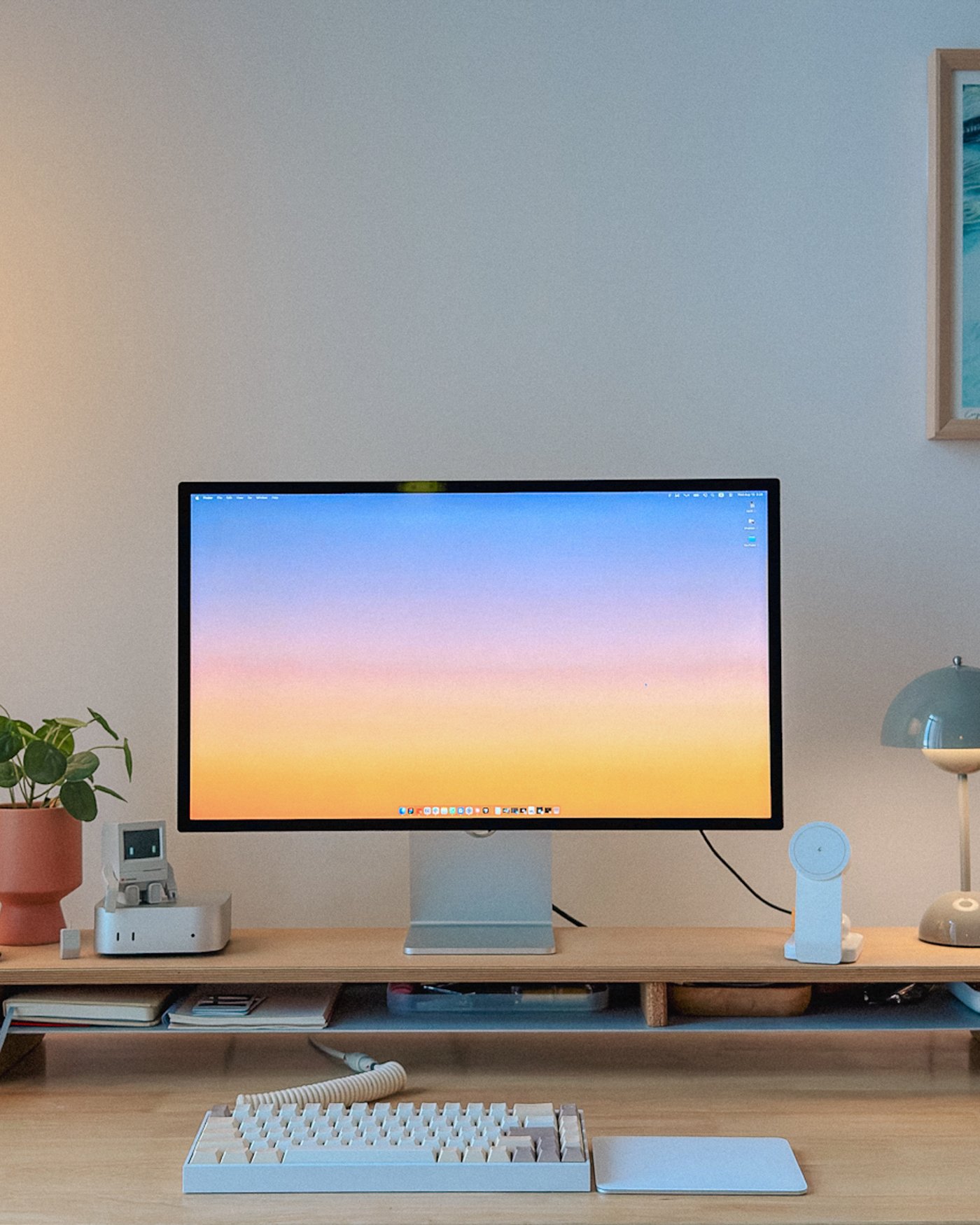
Rachel How · No. 542 · Malaysia · 15 items · 17 photos · 9 questions
She uses the canvas to design things that are not interfaces
Rachel storyboards frame by frame in Figma, wires the frames together in prototype mode, records the screen, and drops that straight into DaVinci Resolve as finished footage.
“Every YouTube video starts with mocking up the title and thumbnail in Figma. I place my thumbnail candidates alongside other videos’ thumbnails on the canvas, so I can gauge whether mine stands out and whether the title and thumbnail work together at a glance.”
On where a video begins
“Instead of animating each frame in an editing tool, I wire them up in Figma’s prototype mode, hit record, and plug that screen recording straight into DaVinci Resolve as finished footage.”
On prototype mode as a render step
The process ends where it began. In Figma.
Explore Rachel How’s full setup ›The five desks
 No. 538Grace Walker
 No. 539Matt D. Smith
 No. 540Gavin Nelson
 No. 541Yann-Edern Gillet
 No. 542Rachel How
Every setup in the series. Nothing in common but the software.
Four trends across the five interviews
01
Does anyone start in the canvas?
Grace grabs screenshots. Gavin sketches on paper and a whiteboard. MDS writes in a notebook every single day. Yann opens MyMind and Linear before anything else. Rachel is the exception who still makes the case: her videos begin in Figma, and the item she recommends above everything is a blank notebook and a pen.
02
Building tools inside Figma
Grace’s halftone composer is the clearest case: a design sprint idea that became a thing she opens daily. Gavin builds single-purpose tools for one job. Yann builds plugins inside the file so the capability travels with it. Rachel records Figma’s prototype mode and drops the result into her edit as footage.
03
AI moved into the build, not the drawing
MDS is explicit that the canvas stays manual and the machine handles the build. Gavin passes prototypes back and forth. Grace uses it hardest in production work. Yann points agents at tools rather than layouts. Rachel builds whole apps this way and still designs them in Figma first.
04
They disagree about taste
MDS thinks judgment is teachable in concrete pieces. Gavin thinks deciding what is worth making is the part that stays human. Grace is the most bullish that the tools open genuinely new ground. Yann is the most wary, warning that when building is nearly frictionless it gets very easy to build the wrong thing.
Nobody uses the same Figma
Figma is the one tool that each of these designers uses on a daily basis. Outside of that they share nothing: every Figma feature below was mentioned by exactly one of them.
Since this is still Workspaces: three Herman Miller chairs, four standing desks, three Apple Studio Displays, and not a single identical room. The full gear lists are on each tour above.
Frequently asked questions
What do designers actually use Figma for?
Across the five interviews in this guide: drawing ideas quickly at high fidelity, building plugins and small tools inside the file, generating custom shaders and textures, presenting thinking in Figma Slides, and storyboarding video frame by frame in prototype mode. Only some of that is interface design.
Do designers still design in Figma now that AI can generate interfaces?
Yes! The five designers here all still do. The pattern across the series is that AI moved into the build rather than the drawing. Matt D. Smith designs manually in the canvas and hands the build to AI; Rachel How designs in Figma first even when she is building the app with AI tools afterwards.
What share of designers use Figma?
Of the Workspaces interviews that list a software stack, 63% name Figma. It is the most-named tool in the archive, ahead of Notion and Slack.
What is the Figma MCP server and how do designers use it?
The Figma MCP server adds your Figma context to your favorite agentic tools. Matt D. Smith uses it alongside Claude Code to move between his browser, his builds, and his design files, so the design and the code that implements it stay in step. It is the clearest case in this guide of Figma sitting inside an AI coding workflow rather than beside it.
“There’s a lot of talk about skipping straight to prompting, but I genuinely believe the canvas is not dead.”
A new desk, every Saturday
Workspaces tours one designer’s setup each week: the gear, the software, and how they actually work.
Free, every Saturday. Unsubscribe any time.
This series was made in partnership with Figma. Explore Figma
